Skin Box Plus for 30 Days
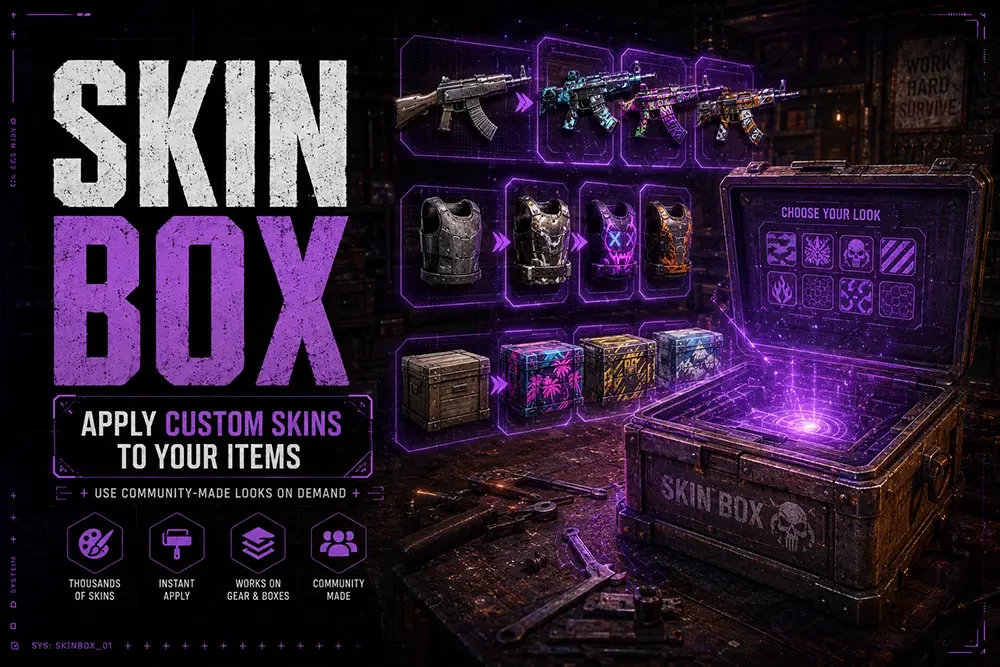
The Skin Box Plus allows you to skin items in your inventory and items you have already placed down, like a furnace or garage door. To skin any item type in chat /skin in game chat, and it will open up an inventory. Drag the item you want to skin into any inventory slot, and it will populate the inventory with all the different skins for you to choose from. There are arrow keys at the bottom to go through the pages of skins. To select the skin you want, drag it into your main inventory.
To skin an item already put down, like a garage door or furnace, look at the item and then type /SkinItem in-game chat. A box full of skins available for the item you are looking at will appear. Drag out the one you want, and it will change the skin.